Christmas Jewelry Promotions
Use holiday texts for gift guides, pickup deadlines, financing reminders, and VIP shopping appointments.
Last updated July 12, 2026
Ready-to-copy templates
Use holiday texts for gift guides, pickup deadlines, financing reminders, and VIP shopping appointments. Use these as starting points, then adjust the voice for your store, customer type, and follow-up process.
Friendly version
Professional version
Luxury/VIP version
Want these jewelry messages built into your workflow?
ConvertLocal helps jewelry stores set up business texting, review requests, missed-call text back, AI Receptionist, webchat, and customer follow-up workflows that fit how your store actually sells, repairs, and serves customers.
Recommended workflow
1. Match the customer moment
Choose the message based on what just happened: sale, repair intake, pickup, appointment, appraisal, custom design, or follow-up.
2. Send from the store number
Keep communication centralized so the next associate can see the conversation and help without asking the customer to repeat everything.
3. Route replies clearly
Assign ownership for repair questions, sales follow-up, finance questions, and review responses so no message sits unanswered.
| Good practice | Common mistake |
|---|---|
| Send a short, useful message tied to a real customer moment. | Sending a generic blast that feels disconnected from the customer relationship. |
| Use VIP language for high-value purchases and long-time clients. | Using the same tone for a watch battery and a custom engagement ring. |
| Automate review requests after the customer is happy. | Asking for reviews too early, before pickup, sizing, or repair completion. |
Common mistakes to avoid
Letting staff text from personal phones
That makes conversations hard to track and can leave customer history scattered across devices.
Forgetting the luxury context
Jewelry purchases are emotional and trust-based. The message should feel helpful, not robotic.
No reply plan
If customers can reply, the store needs clear ownership for who answers and when.
Review requests with no timing
Review requests work best after a completed purchase, pickup, repair, or positive service interaction.
Founder of ConvertLocal, helping local and multi-location businesses set up review automation, texting, webchat, AI Receptionist, and customer communication workflows.
Related resources
FAQ
Can Jewelry use these text message templates?
Yes. These templates are written for Jewelry workflows and can be customized around your store voice, customer journey, and team responsibilities.
Can customers reply to these text messages?
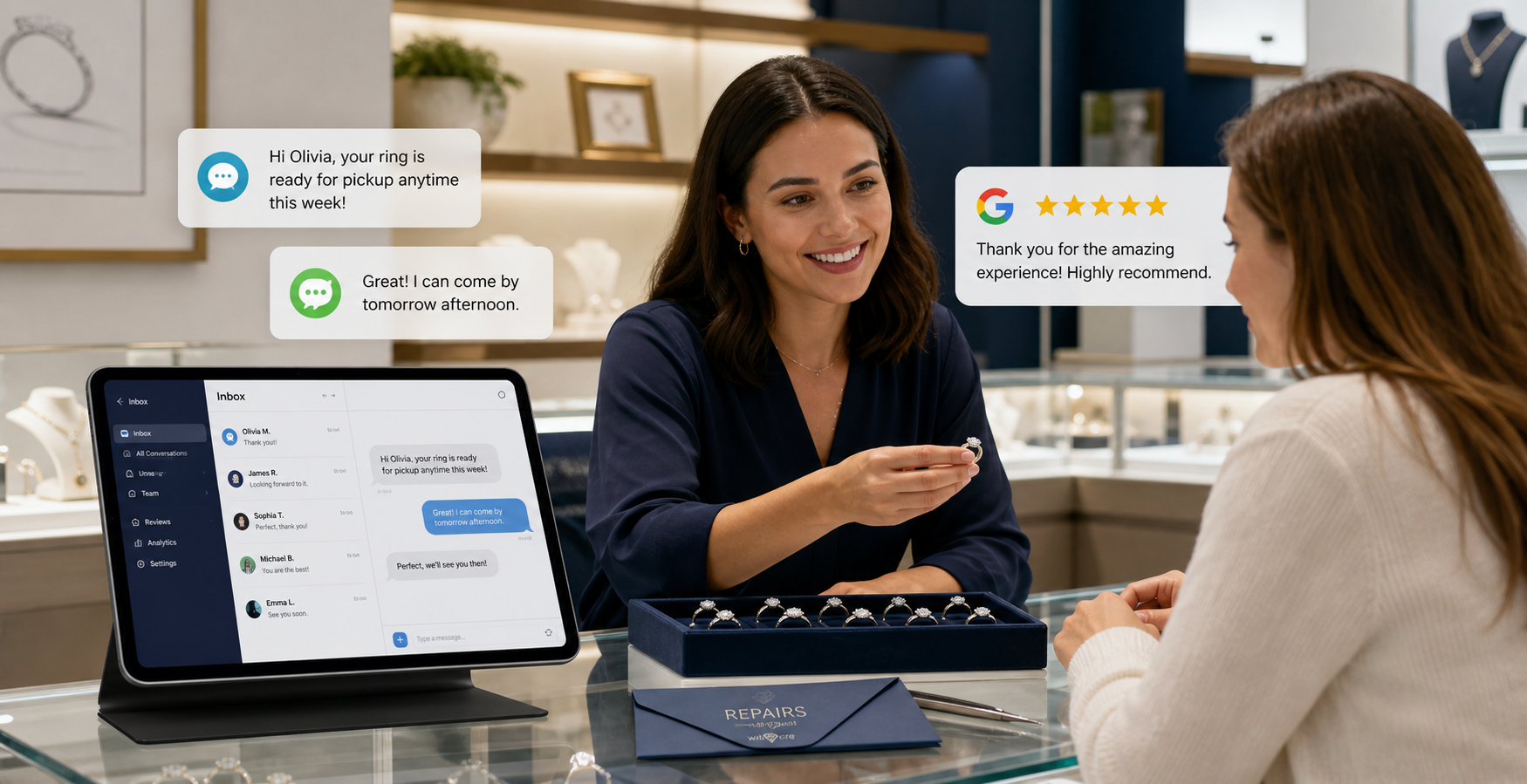
Yes. The best setup routes replies into a shared inbox so staff can answer from the business number and keep the conversation visible to the team.
Can Birdeye help automate jewelry review requests?
Birdeye can help send review requests by SMS and email based on supported workflows and timing. ConvertLocal can help map the right moments and test the customer experience.
Should jewelry stores use personal cell phones for customer texting?
Usually no. A business texting workflow keeps communication tied to the store number, reduces staff risk, and makes conversations easier to manage.
Can these messages be used for VIP customers?
Yes. Use the luxury/VIP versions when the customer relationship calls for a more personal, concierge tone.
Can ConvertLocal help set this up?
Yes. ConvertLocal helps plan templates, configure Birdeye workflows, connect CTAs, and train staff on practical customer communication habits.
Need help launching jewelry texting and reviews?
ConvertLocal helps jewelry stores set up business texting, review requests, missed-call text back, AI Receptionist, webchat, and customer follow-up workflows that fit how your store actually sells, repairs, and serves customers.