The cleanest pest control review workflow usually starts after an appointment is completed. That timing prevents requests from going to canceled, no-show, or unfinished visits.
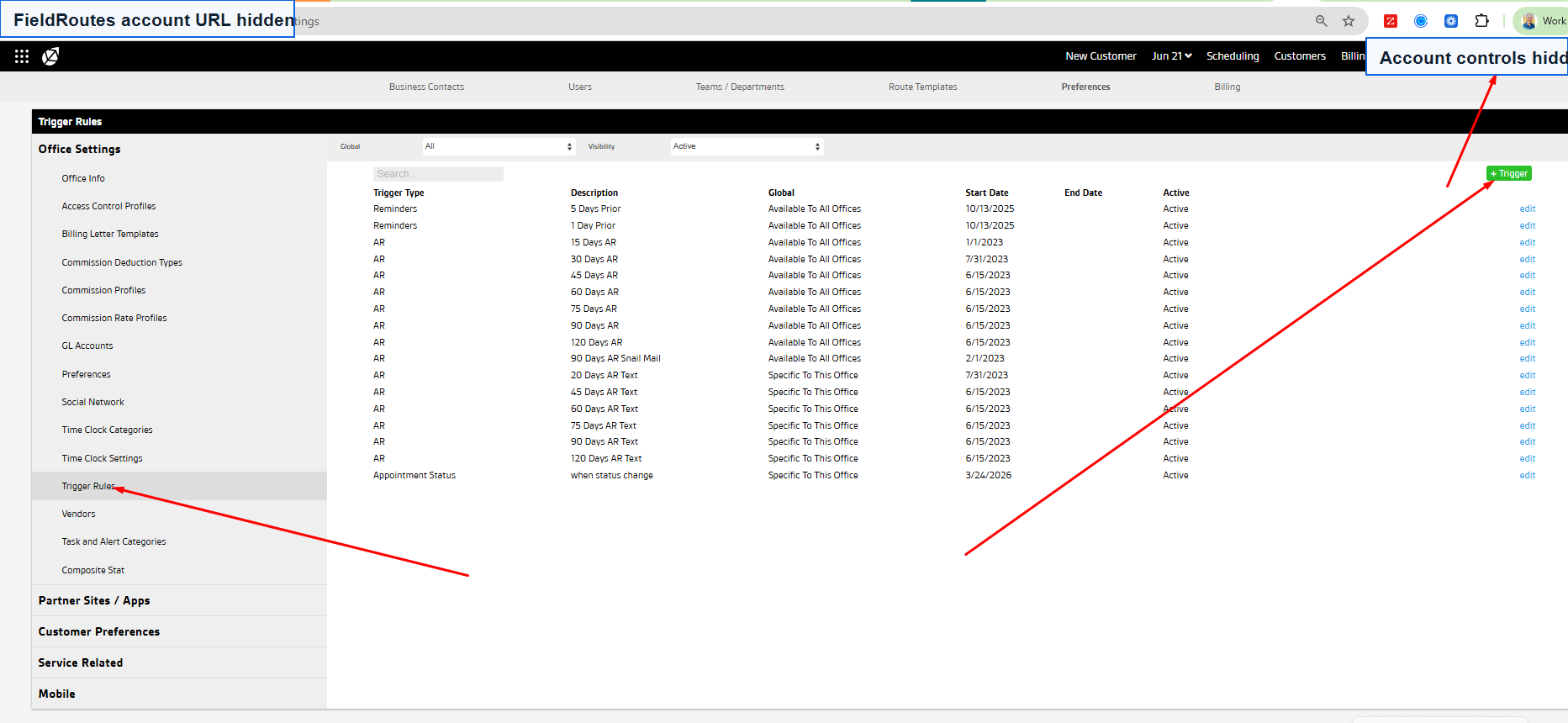
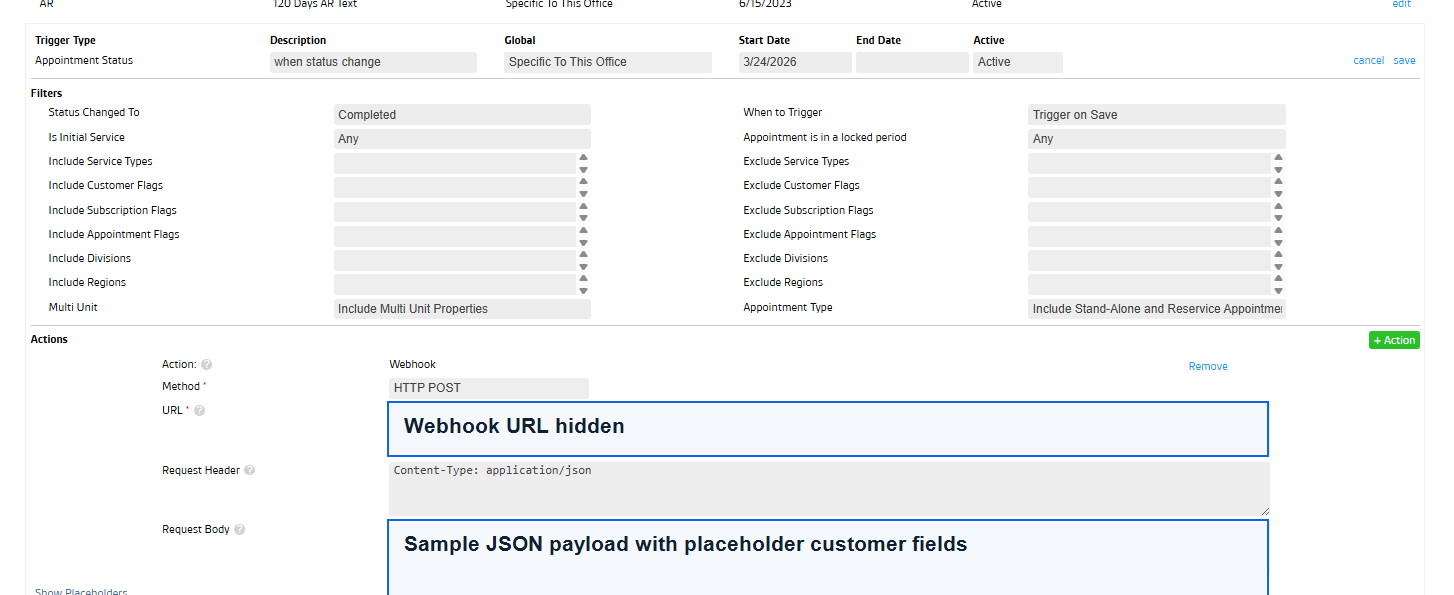
How SMS review automation works
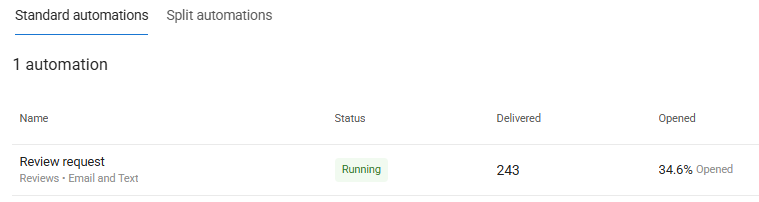
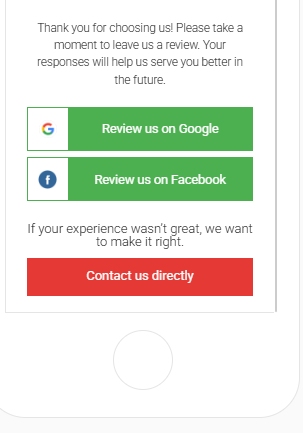
When a FieldRoutes appointment changes to Completed, the webhook can pass the customer name, phone number, email, location, appointment status, and service details into the review workflow. Birdeye can then send a short review request by SMS, with email as a backup when configured.
Why timing matters
A completed appointment trigger tells the review system that service actually happened. Add duplicate prevention, location routing, opt-out handling, and SMS timing rules before launch.
Full guide: FieldRoutes to Birdeye review requests.
Get help automating Birdeye SMS review requests
ConvertLocal can help turn completed FieldRoutes appointments into SMS review requests while keeping the process organized inside Birdeye.
FAQs
Can Birdeye send review requests by SMS after FieldRoutes appointments?
Yes. With the right completed appointment workflow, Birdeye can send SMS review requests after service is complete, depending on the final setup.
Should canceled appointments trigger review requests?
No. Avoid canceled, no-show, failed, or rescheduled appointment triggers.