
ServiceTitan + Birdeye Integration
ServiceTitan runs the operational side of a home service business. Birdeye helps turn the right ServiceTitan customer moments into review requests, surveys, referrals, appointment workflows, lead follow-up, and reputation management your office can actually manage.
ServiceTitan integration walkthrough
See how ServiceTitan job activity can become organized follow-up in Birdeye, from customer communication to review requests and reporting.
Want to see the workflow live? Book a demo and ConvertLocal will walk through the ServiceTitan events, Birdeye automations, review request timing, and reporting setup for your trade and locations.
Book a live walkthroughServiceTitan manages operations. Birdeye turns customer moments into follow-up.
The ServiceTitan + Birdeye integration is useful because it connects the system your team already uses for field service operations with the platform that manages reviews, surveys, referrals, customer messaging, and reputation workflows.
According to Birdeye’s current ServiceTitan integration documentation, supported workflow areas include reviews, referrals, surveys, payments, appointments beta, appointment synchronization, lead creation, job-completed activity, technician-dispatched activity, contact synchronization, appointment sync, invoice sync, and transaction sync where applicable to the business setup.
Review automation
Use completed jobs and other supported events to trigger review requests by SMS or email after the customer has experienced the work.
Customer communication
Bring texting, webchat, missed-call follow-up, and replies into a shared inbox so office staff can keep conversations organized.
Data synchronization
Sync contacts, appointments, invoices, transactions, and leads based on the trigger and configuration available in your account.
Important: capabilities can vary by ServiceTitan configuration, Birdeye package, location mapping, tenant approval, and selected triggers. The setup should be tested before automations go live.
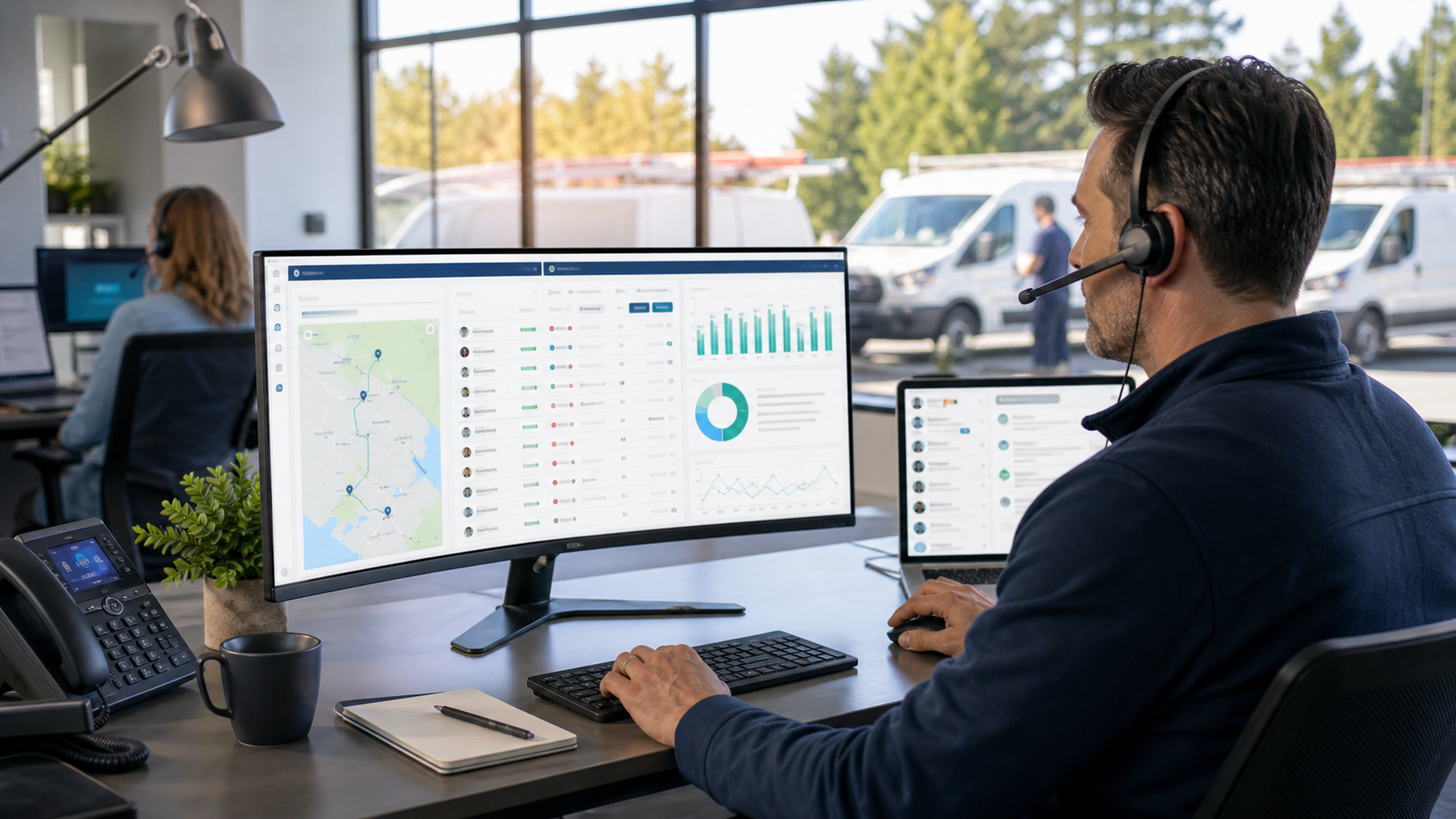
A practical completed-job review workflow
The best home service review automation does not blast every customer at random. It starts from a real job event, waits until the customer has received service, and routes replies where the office can handle them.
Home service teams need consistent follow-up without more office chaos.
HVAC, plumbing, electrical, garage door, roofing, and multi-trade contractors depend on trust. A homeowner searching for emergency AC repair or a new water heater is often comparing companies quickly. Recent reviews, fast responses, and clear communication can help a contractor look more credible before the first call.
More consistent Google review requests
Ask after the right service moment instead of relying on technicians or CSRs to remember every request manually.
Better local visibility signals
Reviews can support local trust and visibility, especially when they are recent, authentic, and tied to real service outcomes.
Less manual follow-up
Automation helps the office reduce repetitive tasks while keeping replies available for human follow-up.
Shared inbox and office texting
Keep customer conversations in one place instead of scattering replies across personal phones or one-off messages.
AI-assisted review replies
Use AI support and templates to reply faster while preserving brand voice and manager oversight.
Multi-location reporting
Track review requests, ratings, response gaps, and location-level trends for branches, regions, and operating teams.
ServiceTitan triggers and what they can enable in Birdeye
The table below uses the current Birdeye ServiceTitan documentation and ConvertLocal’s implementation experience. It is meant as a planning guide, not a guarantee that every account has every workflow enabled by default.
| ServiceTitan or Birdeye event | What it can enable | Best use case | Setup note |
|---|---|---|---|
| Appointment Created | Sync appointment information into Birdeye. | Pre-visit communication, appointment reminders, and customer profile context. | Useful when appointment data needs to stay current across systems. |
| Appointment Updated | Keep appointment changes aligned. | Reschedules, cancellations, or confirmation-related workflows. | Test reschedule and cancellation behavior before launch. |
| Technician Dispatched | Add or update the customer contact in Birdeye when the technician is dispatched. | On-the-way messaging, office visibility, and customer communication. | Good for contractors that want the office ready if the customer replies. |
| Job Completed | Add the customer contact in Birdeye when a job is marked completed. | Review requests, survey requests, referral campaigns, and post-job follow-up. | Usually the best review automation trigger. |
| New Lead | Create new lead/contact details from Birdeye into ServiceTitan. | Webchat, text, or inbound lead routing where supported. | Confirm fields, ownership, and sales workflow before turning on. |
| Contact Sync | Sync contacts from ServiceTitan to Birdeye on a recurring basis. | Keeping contact data available for campaigns and reporting. | Clean data matters. Avoid duplicate or stale records where possible. |
| Contact Appointment Sync | Sync appointment details for new and existing contacts. | Appointment-based communication and customer journey reporting. | Use when appointment history matters to the workflow. |
| Contact Invoice Sync | Sync invoice details based on the selected date range. | Payment follow-up, post-service context, and reporting. | Use care with invoice filters and timing. |
| Contact Transaction Sync | Sync transaction details based on the selected date range. | Completed transaction follow-up, survey segmentation, or review timing. | Confirm exactly which transaction status should qualify. |
Give the office a cleaner way to handle customer conversations.
Home service customers often prefer texting because it is fast and convenient. A homeowner may be at work, walking through a repair estimate, checking a technician arrival time, or asking a question after a completed job. When those replies go to a shared inbox, the office can collaborate without asking employees to use personal cell phones.
Shared inbox
Keep customer conversations visible to the right team members. Assign conversations, avoid duplicate replies, and prevent missed follow-up.
Missed-call text back
When call volume spikes during hot weather, storms, or emergency plumbing days, missed-call text back can help recover customers who would otherwise call the next contractor.
Mobile app
Managers and field leaders can monitor replies, reviews, and urgent conversations while they are away from the office.
Team collaboration
Use shared visibility for dispatch, CSRs, managers, and marketing without losing the customer’s history.
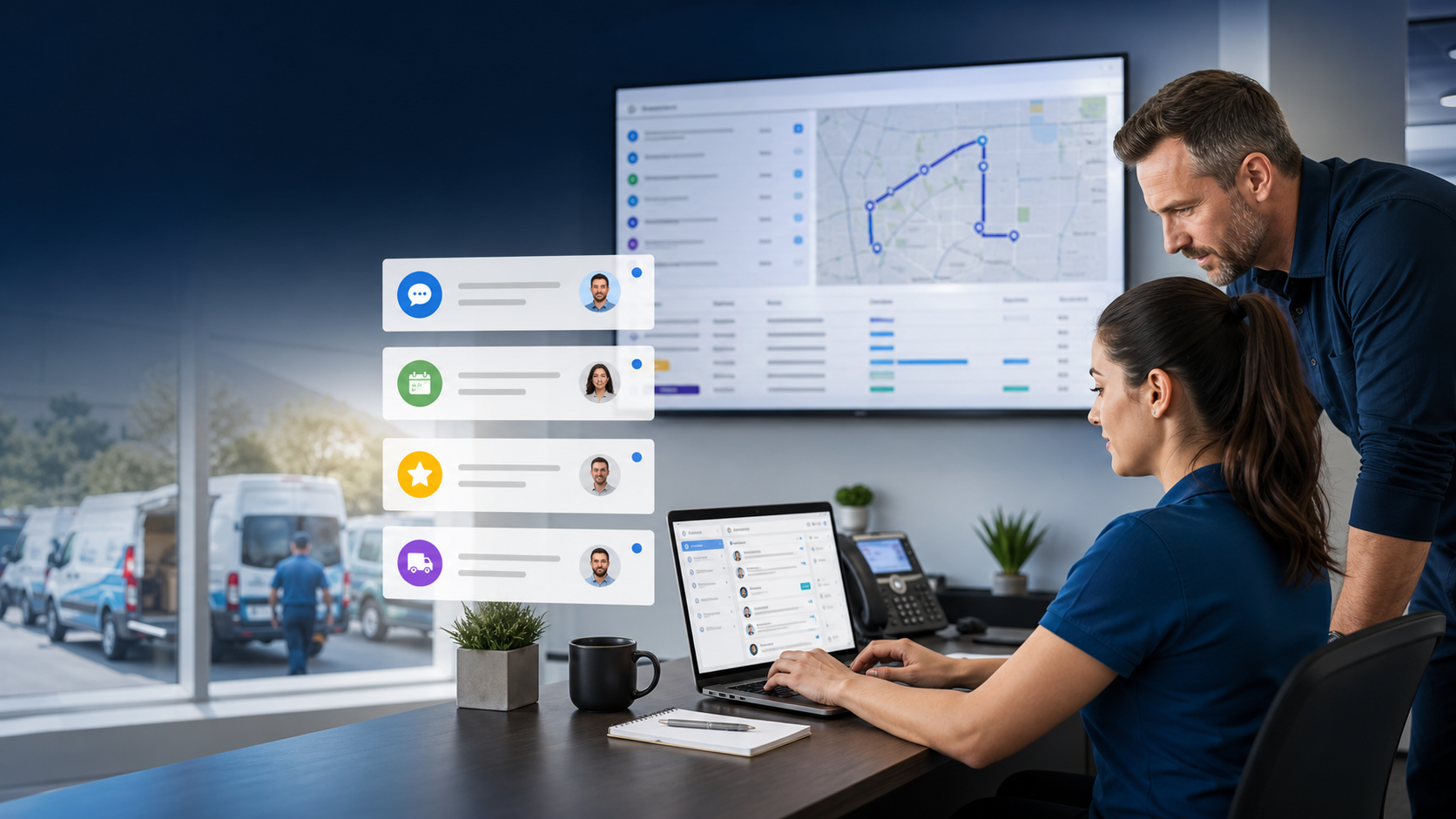
Ask for reviews after the right ServiceTitan moment.
The best time to ask for a Google review is usually after the job is completed and the customer has had a positive service experience. For a maintenance tune-up, that may be shortly after completion. For an installation or larger project, the best timing may be after the office confirms everything is working and the customer is satisfied.
Review consistency matters because homeowners look for recent proof. A contractor with fresh, specific reviews about technicians, communication, cleanliness, emergency response, and completed work earns more trust than a contractor with a few old reviews and no visible response activity.
Recommended rule: do not ask every customer blindly. Use completed-job status, positive reply signals, internal quality checks, or service-type logic when needed. Protect the customer experience first.
Personalize the message
Use the customer’s name and a clear, simple request. Avoid long messages that feel like marketing campaigns.
Respond to reviews
Fast, thoughtful review replies show prospective customers that the business is active, attentive, and accountable.
Track by branch
For multi-location contractors, monitor request volume, review count, rating, and response gaps by location or region.
Scale the workflow without losing local accountability.
Multi-location contractors need more than a single review request campaign. They need location mapping, reporting by branch, consistent templates, permission controls, manager visibility, and a process for handling negative feedback before it spreads.
ServiceTitan setups can use identifiers such as tags, business units, or other supported filters to help map records to the right Birdeye location. This is especially important when a contractor operates multiple branches, service areas, brands, or divisions.
Branch-level monitoring
See which locations are generating reviews, which need more requests, and where response activity is falling behind.
Regional management
Give regional leaders the context they need without forcing every branch to build its own process from scratch.
Team performance
Review content can surface coaching opportunities around communication, arrival windows, technician behavior, and cleanup.
What to prepare before launch
| Step | What to decide | Why it matters |
|---|---|---|
| Access | Confirm ServiceTitan admin access, API application access, tenant ID, client ID, and client secret process. | The integration cannot be tested until access is approved and connected. |
| Locations | Map branches using supported identifiers such as tags, business units, or location filters. | Review requests and reports need to route to the correct location. |
| Triggers | Choose completed job, technician dispatched, appointment sync, lead creation, or sync triggers. | Each trigger starts a different customer communication moment. |
| Messages | Write short SMS and email templates for reviews, surveys, referrals, and follow-up. | Messaging should sound helpful, not random or robotic. |
| Reply routing | Decide who owns replies, complaints, webchat leads, missed calls, and after-hours messages. | Automation creates conversations. The team still needs ownership. |
| QA | Run live test records before enabling the workflow broadly. | Testing catches duplicate sends, bad timing, and routing issues. |
Keep building the home service communication system
ServiceTitan + Birdeye walkthrough transcript
In this walkthrough, we are looking at how ServiceTitan and Birdeye can work together for home service companies that want more consistent review requests, cleaner customer communication, and better reputation management.
ServiceTitan is the operational system. It helps contractors manage appointments, dispatch, customers, jobs, invoices, transactions, and field service activity. Birdeye sits on the customer experience side. It can help with review requests, surveys, referrals, messaging, webchat, inbox workflows, and reporting.
The most common workflow starts after a job is completed. When the job is marked completed in ServiceTitan, the customer contact can be added or updated in Birdeye. From there, Birdeye can send a review request by text or email, depending on the campaign setup and available customer data.
For HVAC, plumbing, electrical, garage door, roofing, and other home service teams, timing matters. You usually do not want to ask for a review before the work is finished. You want to ask after the customer has experienced the service and the business is confident the job went well.
ServiceTitan can also support other useful triggers and sync workflows through the Birdeye integration. Appointment created or updated can help keep appointment information aligned. Technician dispatched can help create the customer contact in Birdeye when a technician is on the way. New lead created can help move lead information from Birdeye into ServiceTitan where supported. Contact sync, appointment sync, invoice sync, and transaction sync can help keep customer context available for communication and reporting.
The best setup depends on how the contractor operates. A single-location HVAC company may only need a completed-job review request and a shared inbox for replies. A multi-location contractor may need branch mapping, business unit filters, location-specific reporting, and manager permissions.
Review automation should not replace customer care. If a customer replies with a problem, the office should be able to see it and respond quickly. Birdeye’s shared inbox and texting workflows can help the team keep conversations organized without using personal cell phones.
For reputation management, consistency is the goal. A steady stream of recent, authentic reviews can help homeowners evaluate the business. Fast replies show that the company is active and attentive. Surveys can collect private feedback when the business wants more detail before asking for a public review.
Before going live, test the workflow. Confirm the trigger fires correctly. Confirm the customer receives the message. Confirm the message sends from the right location. Confirm replies route to the right team. Confirm opt-out behavior and reporting. Once the workflow is tested, the business can launch with more confidence.
ConvertLocal helps ServiceTitan teams map these workflows, configure Birdeye, write message templates, test the launch, and train the office on what happens after customers respond.
ServiceTitan + Birdeye FAQs
How does ServiceTitan connect with Birdeye?
ServiceTitan connects with Birdeye through Birdeye's ServiceTitan integration setup. Current documented triggers include appointment created or updated, technician dispatched, new lead created, job completed, appointment created or updated in Birdeye, contact sync, contact appointment sync, contact invoice sync, and contact transaction sync.
When should ServiceTitan review requests be sent?
For most home service companies, the cleanest review request moment is after the job is completed, the customer has experienced the work, and the office has had a chance to resolve any obvious issue.
Can customers receive SMS review requests?
Yes. Birdeye can send review requests by SMS where the business has the right customer contact data, permissions, and messaging setup.
Can Birdeye send email review requests?
Yes. Birdeye can send review requests by email when the customer email is available and the review campaign is configured for email delivery.
Does the ServiceTitan integration support surveys?
Birdeye's ServiceTitan integration is documented for reviews, referrals, surveys, payments, and appointments beta. Survey workflows should be configured around the triggers and data available in the business setup.
Can multiple branches use the integration?
Yes, multi-location contractors can use location mapping and identifiers such as tags, business units, or other supported filters to help route contacts and activity to the right Birdeye location.
Does Birdeye help ServiceTitan users get more Google reviews?
Birdeye can automate review requests after supported customer moments such as completed jobs. Consistent, well-timed requests can help satisfied customers leave reviews more often.
Do reviews help local SEO for HVAC and plumbing companies?
Reviews are one signal customers and search platforms use when evaluating local businesses. They can support trust and local visibility, but no platform should promise a specific Google ranking.
Can office staff text customers from one inbox?
Birdeye can support business texting and shared inbox workflows so office staff can manage customer conversations without using personal cell phones.
Can ConvertLocal help with ServiceTitan and Birdeye setup?
Yes. ConvertLocal helps home service teams map triggers, choose review timing, configure messaging workflows, test the customer experience, and train the office team.
How long does setup take?
Timing depends on ServiceTitan access, tenant approval, trigger selection, location mapping, message templates, and testing. A simple single-location setup is faster than a multi-branch rollout.
What should be tested before launch?
Test the selected trigger, customer contact sync, SMS and email request delivery, location routing, opt-out behavior, internal notifications, and how replies are handled by the office team.