Use completed transactions in The Edge to create a consistent Birdeye review and customer feedback workflow for your jewelry store.
Last updated June 20, 2026
How The Edge jewelry POS review automation works
Jewelry store owners and managers need systems that respect the relationship behind the sale. Customers may be making an emotional purchase, trusting the store with a valuable repair, or returning for a milestone event. Generic follow-up can feel careless. No follow-up leaves reviews, referrals, and repeat business to chance.
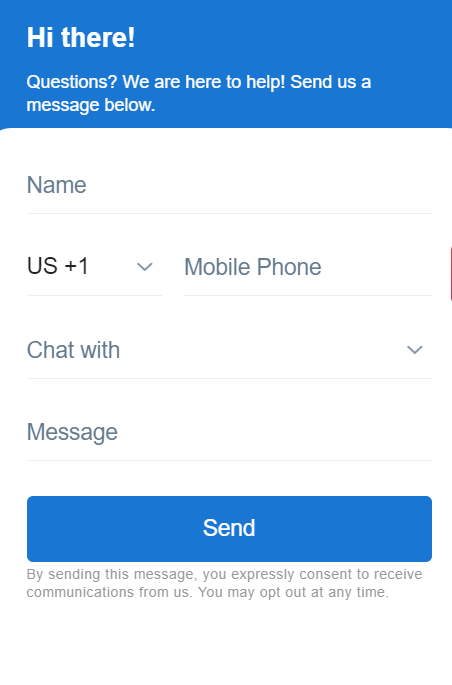
Birdeye can help connect customer milestones to review requests, surveys, business texting, webchat, payments, and reputation management. ConvertLocal helps map those capabilities to the store’s software, numbers, locations, users, templates, and service standards.
How The Edge transaction trigger removes manual follow-up
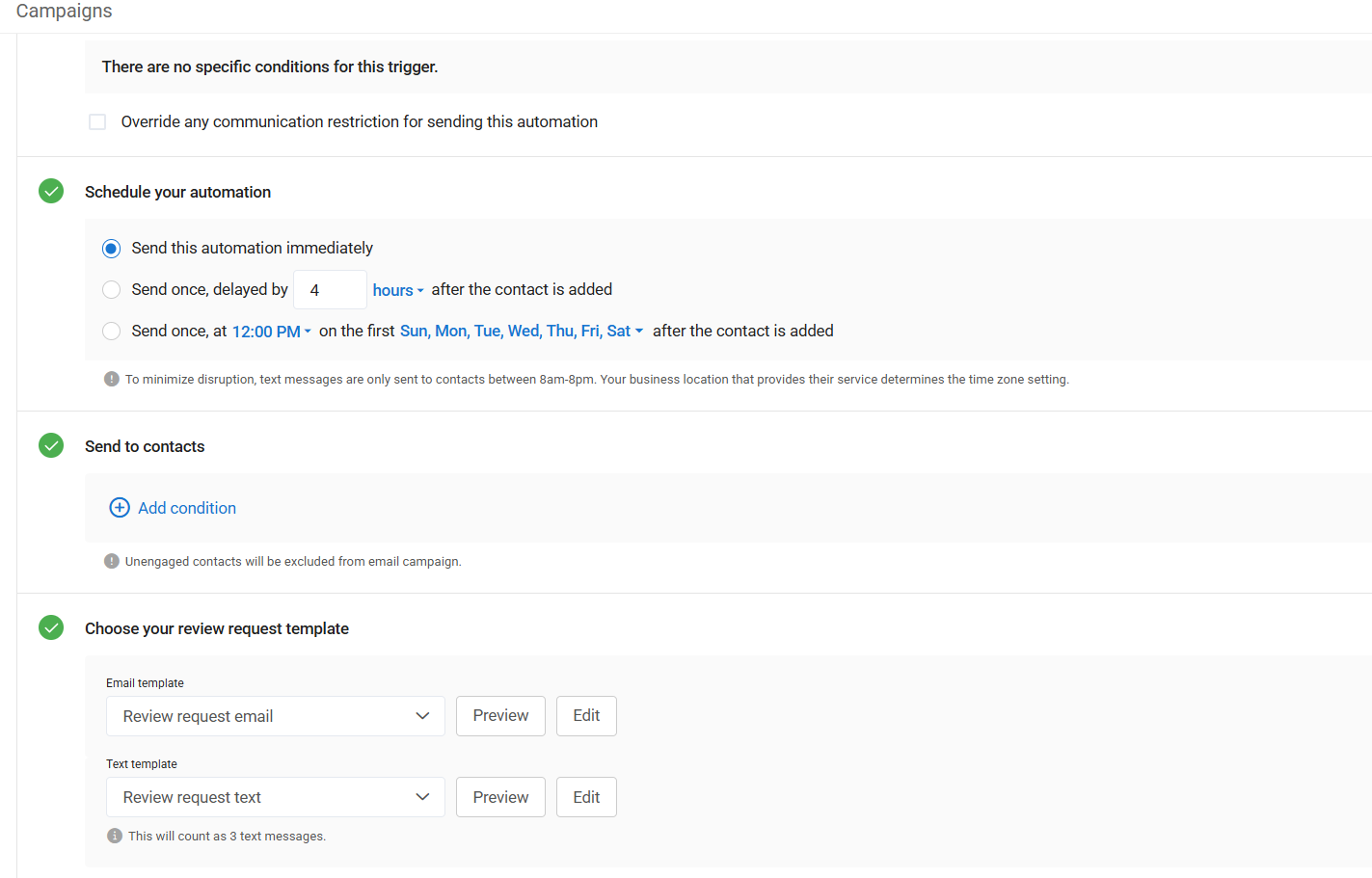
When the supported transaction completes in The Edge, the customer can enter a configured Birdeye campaign. The campaign can send an SMS review request, an email review request, or a feedback survey. Timing may be immediate or delayed depending on the store’s process and available campaign settings.
The customer record and transaction are finalized.
The supported event sends the contact to Birdeye.
Location, channel, timing, and template rules are applied.
The customer leaves feedback or an authentic review.
Managers monitor results and improve the experience.
What a strong jewelry workflow should include
A real customer milestone
Use a completed sale, pickup, repair, custom order, or approved payment event rather than an arbitrary marketing date.
Jewelry-specific messaging
Write concise messages that sound appropriate for a trusted local jeweler, not a generic retail blast.
Clear team ownership
Assign who monitors replies, handles concerns, responds to reviews, and takes over when an associate is unavailable.
Setup checklist
- Define the customer milestone
- Confirm contact data quality
- Choose SMS, email, survey, or payment workflow
- Map each location and Google profile
- Write store-approved templates
- Set timing and business-hour rules
- Define feedback escalation
- Test with staff and sample transactions
- Train associates and managers
- Review performance monthly
Common mistakes to avoid
Using the same message for every transaction
A repair pickup, engagement ring sale, and custom order deserve different context and timing.
Requesting feedback before the experience is complete
Wait until the customer can fairly judge the work, pickup, sizing, delivery, or completed purchase.
No response plan
Assign a manager to handle concerns quickly and document what happens after negative feedback.
Ignoring compliance and permissions
Use appropriate consent, opt-out, access, privacy, payment, and messaging practices for the chosen workflow.
Frequently asked questions
Does Birdeye integrate with The Edge?
Birdeye supports an integration workflow for The Edge. The transaction trigger and available campaign actions should be confirmed for the store’s current The Edge and Birdeye setup before launch.
Can Birdeye automatically send review requests after a jewelry sale?
Yes. A completed transaction in The Edge can be used as the event that adds the customer to a configured Birdeye review request or feedback campaign.
Can customers receive review requests by text message?
Yes. Review requests can be configured for SMS and email, subject to the business’s messaging permissions, consent practices, contact data, and current Birdeye capabilities.
Can jewelry stores collect customer feedback automatically?
Yes. A store can use a post-transaction survey or feedback workflow to learn about the experience and route follow-up to the appropriate team.
Can Birdeye help jewelry stores rank higher on Google?
A steady flow of recent, authentic reviews can strengthen trust and local-search visibility. Rankings also depend on relevance, proximity, website quality, Google Business Profile health, competition, and other factors.
Can jewelers send payment links by text?
Eligible jewelry stores can use supported Birdeye Payments workflows to send payment links by text for deposits, balances, repairs, layaway, or special orders. Current eligibility and processing terms must be confirmed.
Can ConvertLocal set up The Edge integration?
Yes. ConvertLocal can help map the transaction trigger, review destinations, templates, timing, users, locations, testing, and launch process.